
Hire in the same place your team works
Vacancies, a candidate board, scorecards and one-click hiring that starts onboarding right away. No separate ATS needed.

Mykola Plakhotnik + you
CEO
- 30 minutes, at a time that suits you
- Video call in the app you use: Zoom, Google Meet or Microsoft Teams. We send the link for the one you pick.
- A live tour built around your team's questions
- Owner
- Admin
- Recruiter (custom role)
- Djinni · DOU · Work.ua · LinkedInprofile text fills a candidate card
- 5-pointscorecards per question
- 1 clickfrom candidate to employee
Vacancies & pipeline
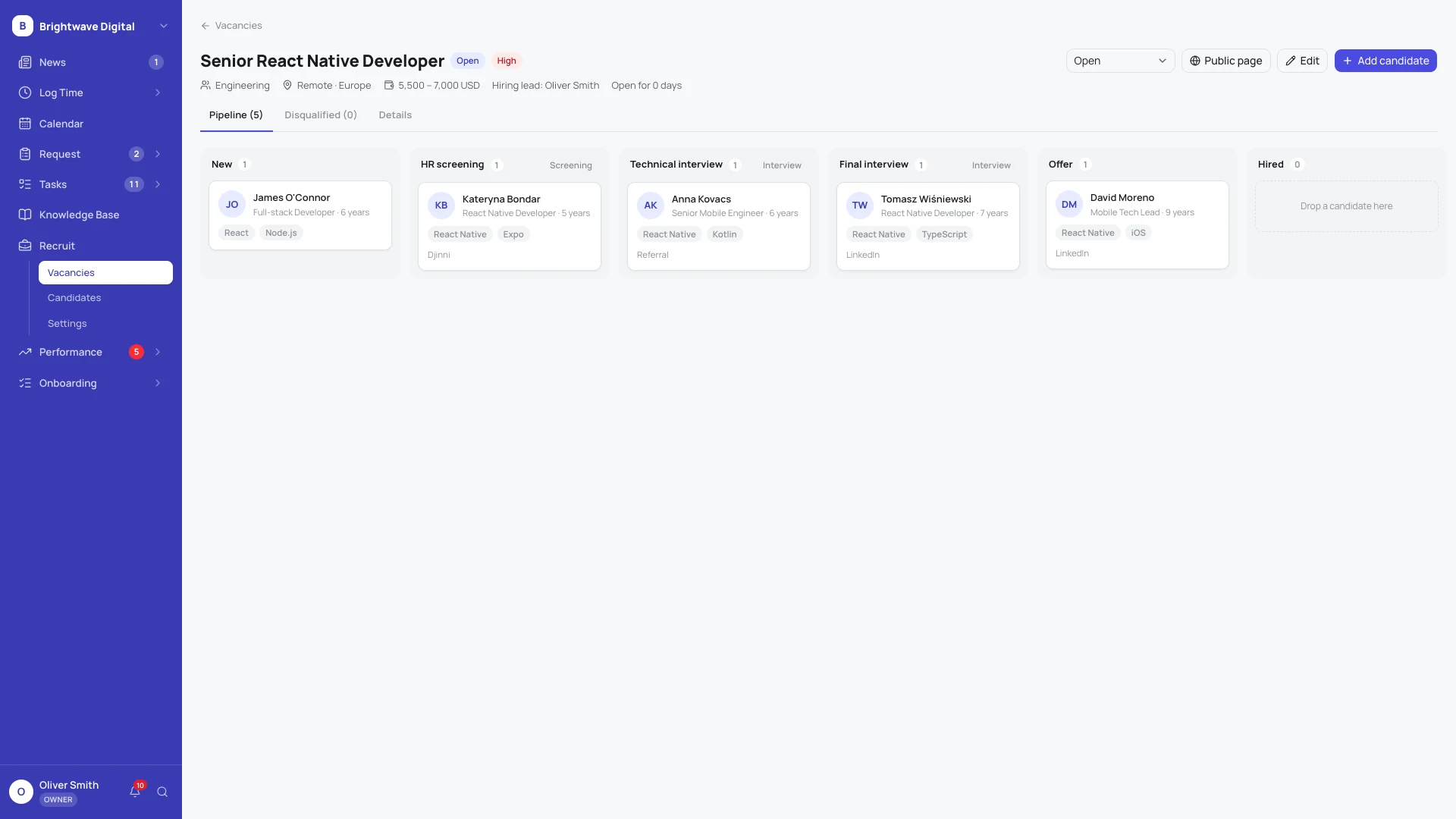
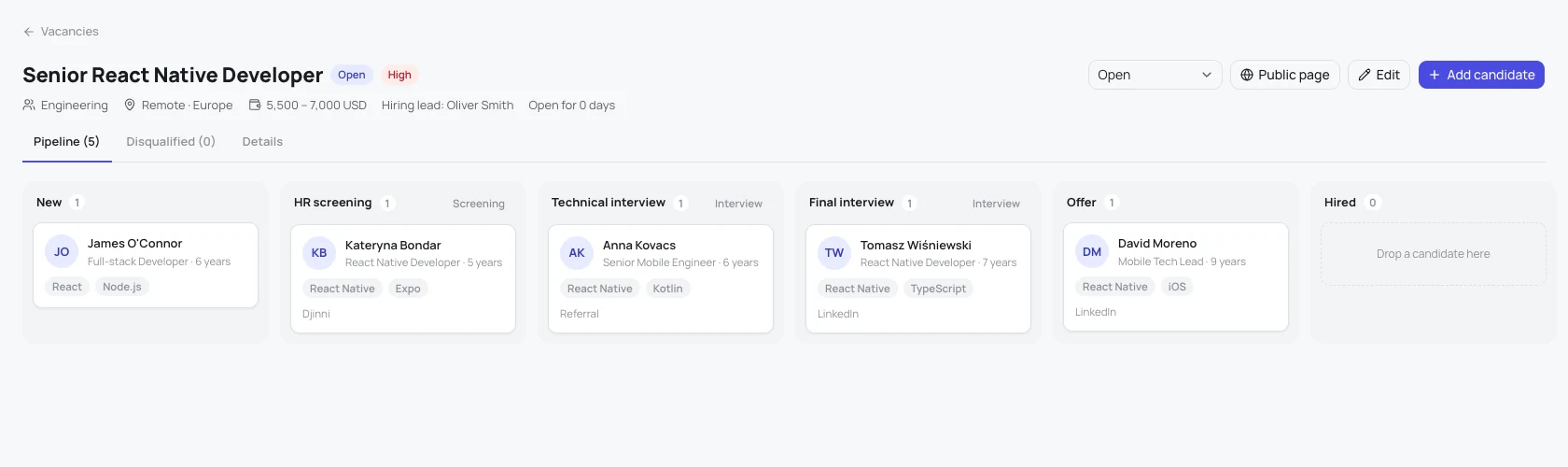
Your hiring funnel, always in view
Each vacancy has a salary range, a pipeline, a hiring lead and tags. Move candidates between stages with drag and drop. Pipelines, stages, sources and rejection reasons are all yours to set up.
- The whole funnel at a glance, without a separate ATS.
- Salaries are visible only with the “See salaries in Recruit” permission.
- Where
- Recruit
- Vacancies
- New
- Who
- Roles with “Use Recruit” and “Manage vacancies & settings”: Owner, Admin or a recruiter custom role.
Candidate auto-fill
Paste a Djinni or DOU profile. The card fills itself.
Upload a CV (PDF or DOCX) or paste the text of a LinkedIn, Djinni, DOU or Work.ua profile, and the candidate card is filled in for you. Weekfox checks for duplicates by name, email and phone and lets you pick the existing candidate or create a new one.
- A card in seconds instead of retyping.
- The same person is never added twice.
- Where
- Recruit
- Candidates
- Add candidate
- Who
- Roles with “Use Recruit”.
- Djinni
- DOU
- Work.ua
- CV · PDF/DOCX
Kateryna Bondar
Senior React Native Developer · 6 years
Kyiv · Remote
React Native, TypeScript, Expo, Jest
kateryna.b@email.com
- Name
- Kateryna Bondar
- Position
- Senior React Native Developer
- Experience
- 6 years
- Location
- Kyiv · Remote
- Skills
- React NativeTypeScriptExpoJest
No duplicates found by name, email or phone
Candidate base
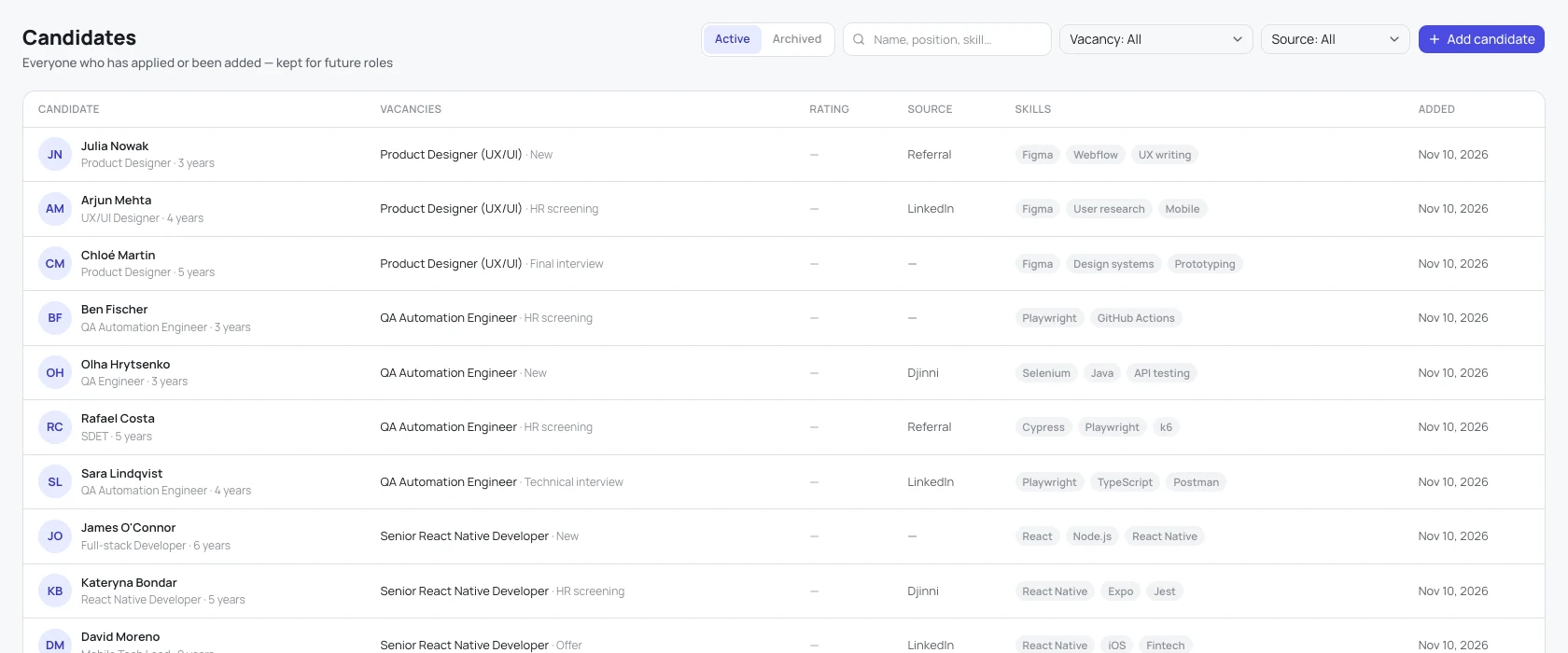
Every candidate, with their history
All candidates in one list with vacancy, source, skills and the date they were added. Candidates are archived, not deleted, so you keep their history for future roles.
- A strong candidate from last year is one search away.
- Where
- Recruit
- Candidates
- Who
- Roles with “Use Recruit”.
Scorecards & hiring
From interview to first day in one flow
Interviewers rate a candidate from 1 to 5 on each question, with an overall score and a comment. They get the feedback request as a task and see the scorecard without contacts or salary. “Hire as employee” sends a regular invite with role, department and onboarding.
- Hiring decisions rest on scores, and confidential data stays protected.
- A candidate becomes an employee in one click, and onboarding starts right away.
- Where
- Candidate
- Request feedback · Add scorecard
- Hire as employee
- Who
- Recruiters. Interviewers see only their own scorecard, via Tasks.
Scorecard · Technical interview4.3 / 5
- Technical depth
- Communication
- Team fit
- Candidate
- Scorecard
- Invite
- Onboarding
Replace five tools with one this week
Start your free month today, or talk to us about your team first.
Mykola Plakhotnik + you
CEO
- 30 minutes, at a time that suits you
- Video call in the app you use: Zoom, Google Meet or Microsoft Teams. We send the link for the one you pick.
- A live tour built around your team's questions
- 1 month free
- No credit card
- Cancel anytime