Internal news without chat noise
Announcements people actually read, polls without Google Forms, a notification bell for everything else and a morning email that sums up the day.

Mykola Plakhotnik + you
CEO
- 30 minutes, at a time that suits you
- Video call in the app you use: Zoom, Google Meet or Microsoft Teams. We send the link for the one you pick.
- A live tour built around your team's questions
- Owner
- Admin
- Manager
- User
- 5 filesup to 5 MB each, plus images
- 2–10 optionsper poll, anonymous or named
- 1 emaileach morning with your day
News
Announcements that don’t drown in chat
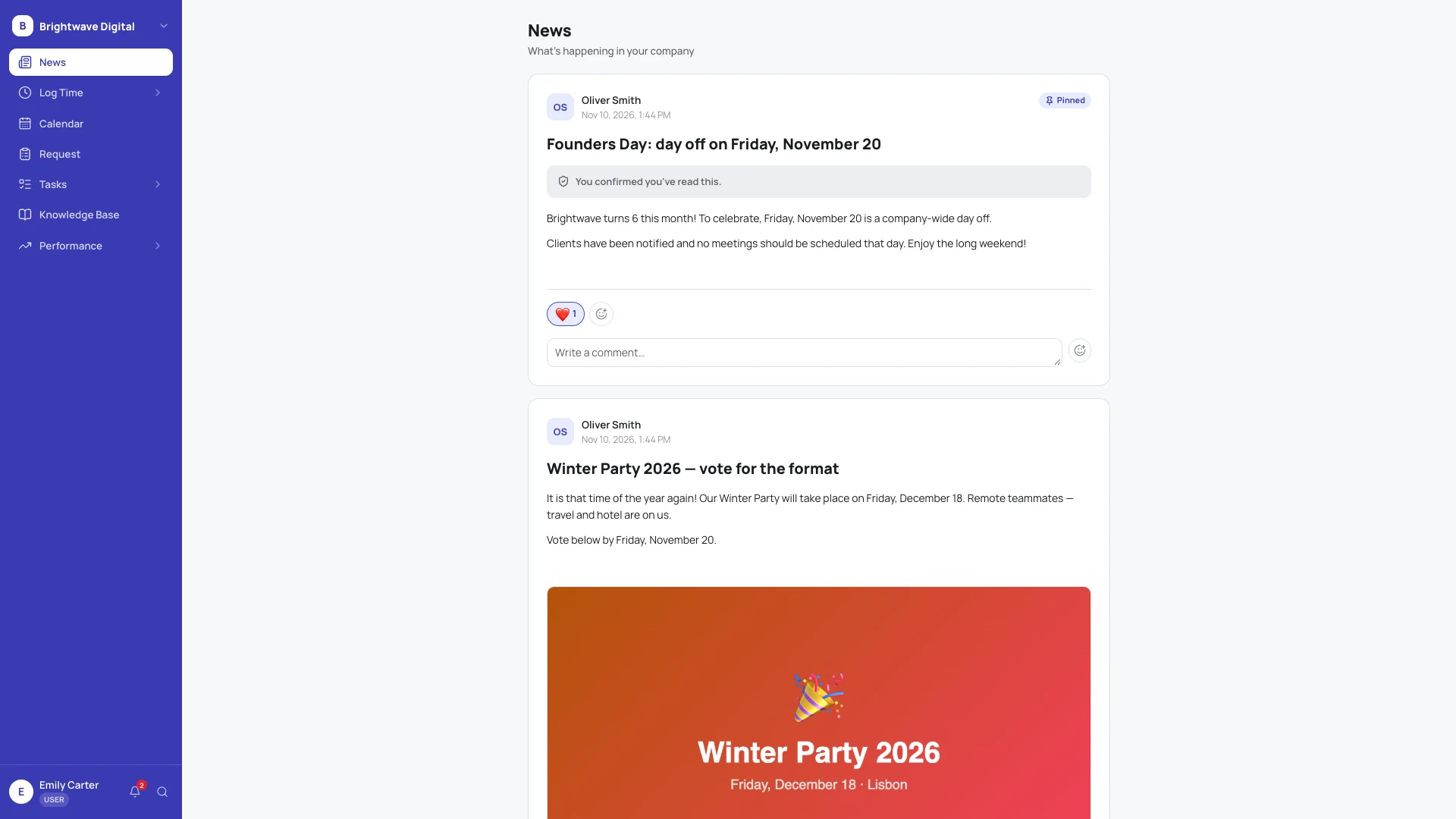
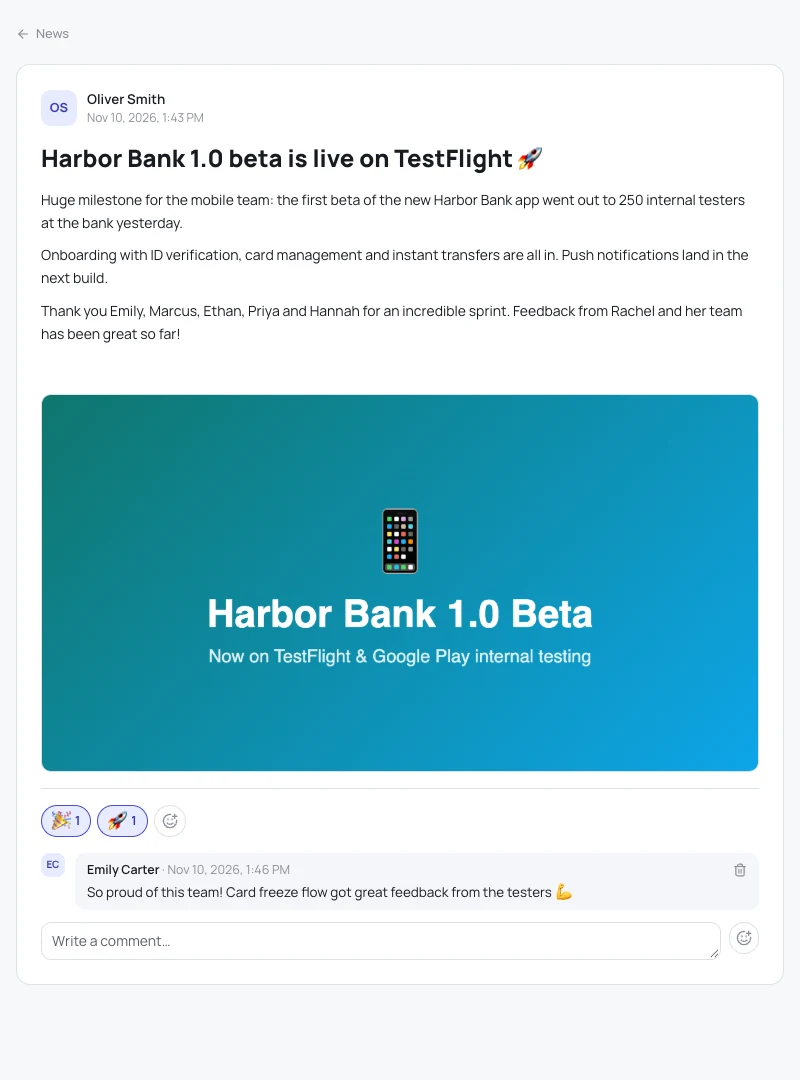
Posts with formatting, links, emoji, images and up to 5 files of 5 MB each. Choose the audience: everyone, departments or specific people. Publish now, schedule it or save a draft. The audience gets one email; pinned posts stay on top and unread ones are marked. Comments, reactions, search and an archive are built in, and edited posts are labeled “edited”.
- Important announcements can be found months later.
- Where
- News
- New post
- Who
- Owner, Admin and roles with permission publish. Everyone reads, comments and reacts.
Must read
Know exactly who has read it
Mark a post as must-read and readers press Confirm. The author sees the audience, how many read it, how many confirmed and exactly who hasn’t yet. Remind sends a nudge only to those who haven’t opened or confirmed.
- Policy changes and security rules reach everyone, with proof.
- Where
- New post
- Must read
- Who
- Authors send; everyone confirms.
Must read · New remote work policy
42of 50 confirmed
- Confirmed 42
- Read, not confirmed 4
- Not opened 4
Polls
Ask the team, get an answer by lunch
A question with 2–10 options, anonymous or named, single or multiple choice, with a closing date. Results show immediately, and options can’t change after the first vote.
- Pick the date of the party or a work format without Google Forms.
- Where
- News
- New post
- Add a poll
- Who
- Authors create; everyone votes.
Where should we celebrate this year?
Named · one choice · closes Nov 20Try it: this poll works.
Notification bell
Everything new in one place
Requests, tasks, news, balance changes, assigned time off and auto-approvals all land in the bell, with an unread counter, relative time like “3h ago” and Mark all read. Click an item to go straight to it.
- No need to check every section for what’s new.
- Where
- Bell icon at the bottom of the menu
- Who
- Every role.
Notifications2Mark all read
- Your time off was approvedDec 28 – Dec 31 · Paid time off3h ago
- Mia marked a task as doneSign employment contract5h ago
- New must-read postOffice closed on December 24Yesterday
- Balance changed+1 day · Bonus for the release weekend2d ago
Morning digest
Your day in one email
Each morning: your planned work for the week, requests waiting for your decision, who’s off tomorrow, overdue tasks, a new hire’s first week, invites about to expire and this week’s birthdays (respecting privacy). In the evening, a reminder to log your time.
- Plan your day before opening the app.
- What you get depends on your role.
- Where
- Automatic
- Reminder frequency set per company or project
- Who
- Every role.
 Your day at Weekfox07:30
Your weekHarbor Bank — Mobile App · 24 h planned
Waiting for you2 requests to approve
Out tomorrowHannah Brooks · Paid time off
Birthdays this weekPriya Shah · Thursday
Replace five tools with one this week
Start your free month today, or talk to us about your team first.
Mykola Plakhotnik + you
CEO
- 30 minutes, at a time that suits you
- Video call in the app you use: Zoom, Google Meet or Microsoft Teams. We send the link for the one you pick.
- A live tour built around your team's questions
- 1 month free
- No credit card
- Cancel anytime